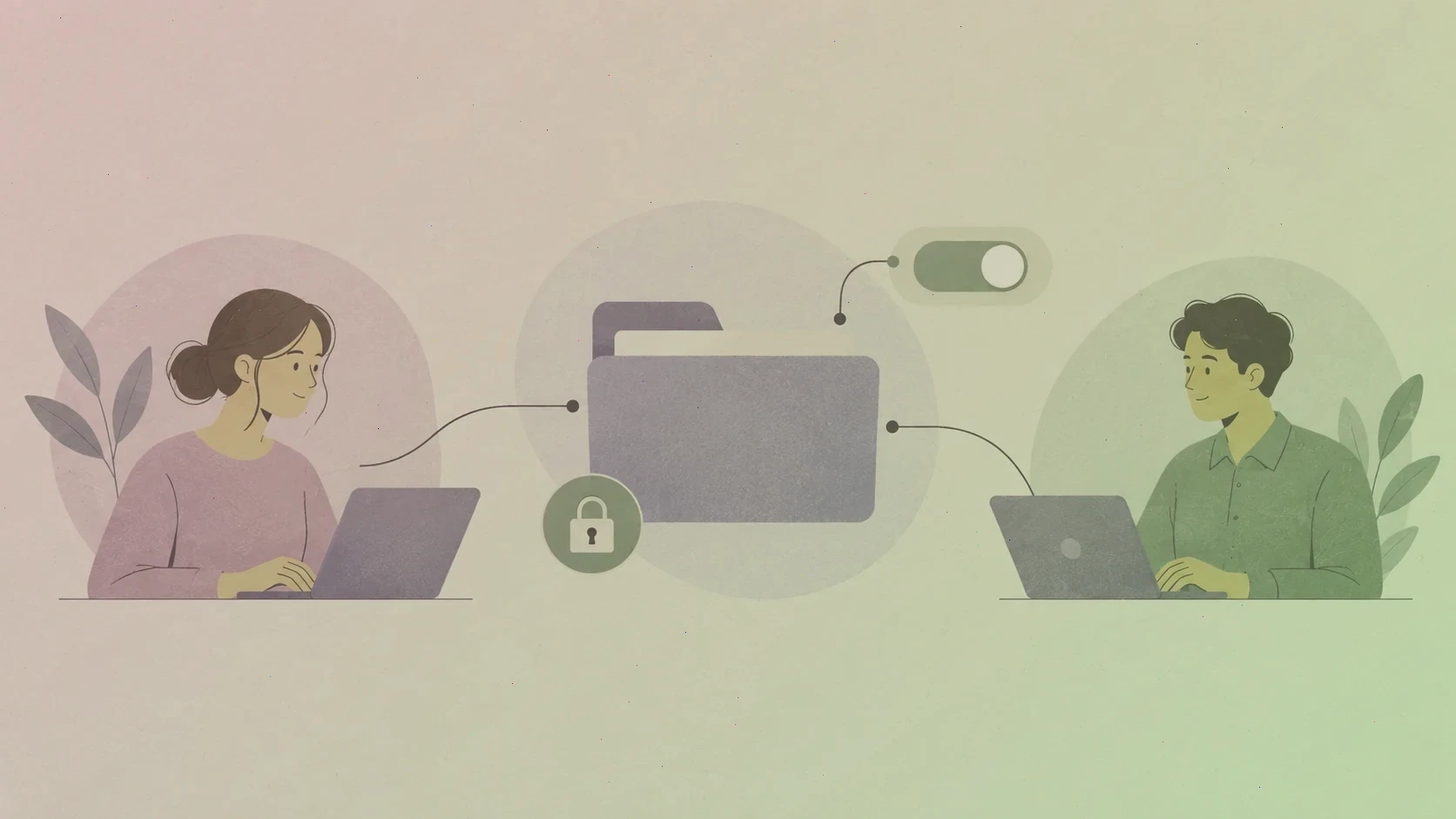
OnePassword organises everything into vaults, and vaults are also the unit of sharing. A personal vault stays with you, while a shared vault becomes visible to exactly the people you invite — no more, no fewer. Understanding that model removes most of the fear people feel the first time they share a password, and it explains why sharing in OnePassword never means handing over your master password or your account.
The golden rule is simple: share the vault, never the login. Everyone you invite keeps their own account and their own onepassword login; they simply gain access to the items you chose to place in a shared space. Revoking that access later takes one click, and it revokes nothing else.
How shared vaults are structured
In a family plan, the account owner creates shared vaults — one for household utilities, one for streaming services, one for the kids, for example — and each member sees only the vaults they were given. In a team plan, the same idea scales: administrators create vaults for departments or projects and grant access to groups rather than to individuals, so people joining or leaving a team never requires touching a dozen separate items.
This structure is worth planning before you invite anyone. A single giant vault labelled "Everything" is easy to create and impossible to secure later, because every member can read every item. Three or four purposeful vaults cost a few minutes to set up and prevent years of quiet over-sharing.
What each permission level allows
Access to a shared vault comes in degrees. A view-only member can read and use the items inside but cannot change them — the right level for a contractor who needs the office Wi-Fi password. An edit member can add, update, and organise items, which suits teammates who genuinely co-own the credentials. A manage permission goes further, allowing the member to change who else has access, and it should be reserved for the few people who administer the vault.
Start everyone at the lowest level that lets them do their job. Upgrading a teammate later takes seconds and is almost always well received; quietly downgrading someone who has been reorganising shared vaults for months is a conversation nobody enjoys.
Sharing a single item instead of a vault
Sometimes you do not want to create a whole vault for one secret. OnePassword can share an individual item with a person outside your account through a secure link, with options to set an expiry date and to require that only specific people can open it. It is the right tool for sending a Wi-Fi password to a house-sitter or a licence key to a freelancer — and a much better habit than pasting credentials into chat or email, where they live forever.
Treat share links like keys to a door: set them to expire when the task ends, and create a fresh link rather than reusing an old one. If you are unsure whether a link is still active, revoke it. Nothing breaks when an expired link dies; plenty breaks when a live one leaks.
Habits that keep sharing healthy
Review access on a schedule. Once a month, open the vault's member list and ask two questions about every name: should this person still be here, and is this still the right permission level? Offboarding deserves special care — when someone leaves a team, their account access should end the same day, and any shared items they owned should be transferred to someone who remains.
Finally, remember that shared vaults multiply the value of good password hygiene. Rotate important credentials after a team member leaves, give shared accounts their own entries rather than letting five people invent variations of the same login, and use Watchtower alerts to catch a shared password that turns up in a breach. A shared vault is a shared responsibility, and the tools to keep it clean are already built in.
If your account is managed by an employer, some of these decisions belong to your administrator rather than to you — and that is a feature, not a limitation. Ask which vaults you own, which are governed by policy, and who to contact when access needs to change. Clear answers in advance prevent almost every sharing problem we see.