Deploying OnePassword across a team is not an installation project; it is a change of habit. The software part takes an afternoon. The part that decides whether people actually use it is the planning that comes before: who gets access to what, how accounts are structured, and what the first two weeks of experience feel like for someone who has never used a password manager.
This guide walks through a rollout in the order that works — pilot first, structure second, policy third, and communication throughout. It is written for administrators, but nothing here requires deep technical knowledge; every step is a decision, not a command.
Start with a pilot group
Choose ten to twenty people who represent the rest of the company: a mix of enthusiastic early adopters, a few skeptics, and at least one person who is genuinely nervous about technology. Give them accounts first and collect their questions for two weeks. The questions they ask are the ones your entire organisation will ask later, and answering them in advance turns your rollout documentation from guesswork into evidence.
Before the pilot starts, confirm that every participant has completed a successful onepassword log in from a personal device — not the office network where everything works by accident. A pilot that only ever runs on corporate Wi-Fi has not tested the conditions your remote workers actually face.
Design the structure before inviting anyone
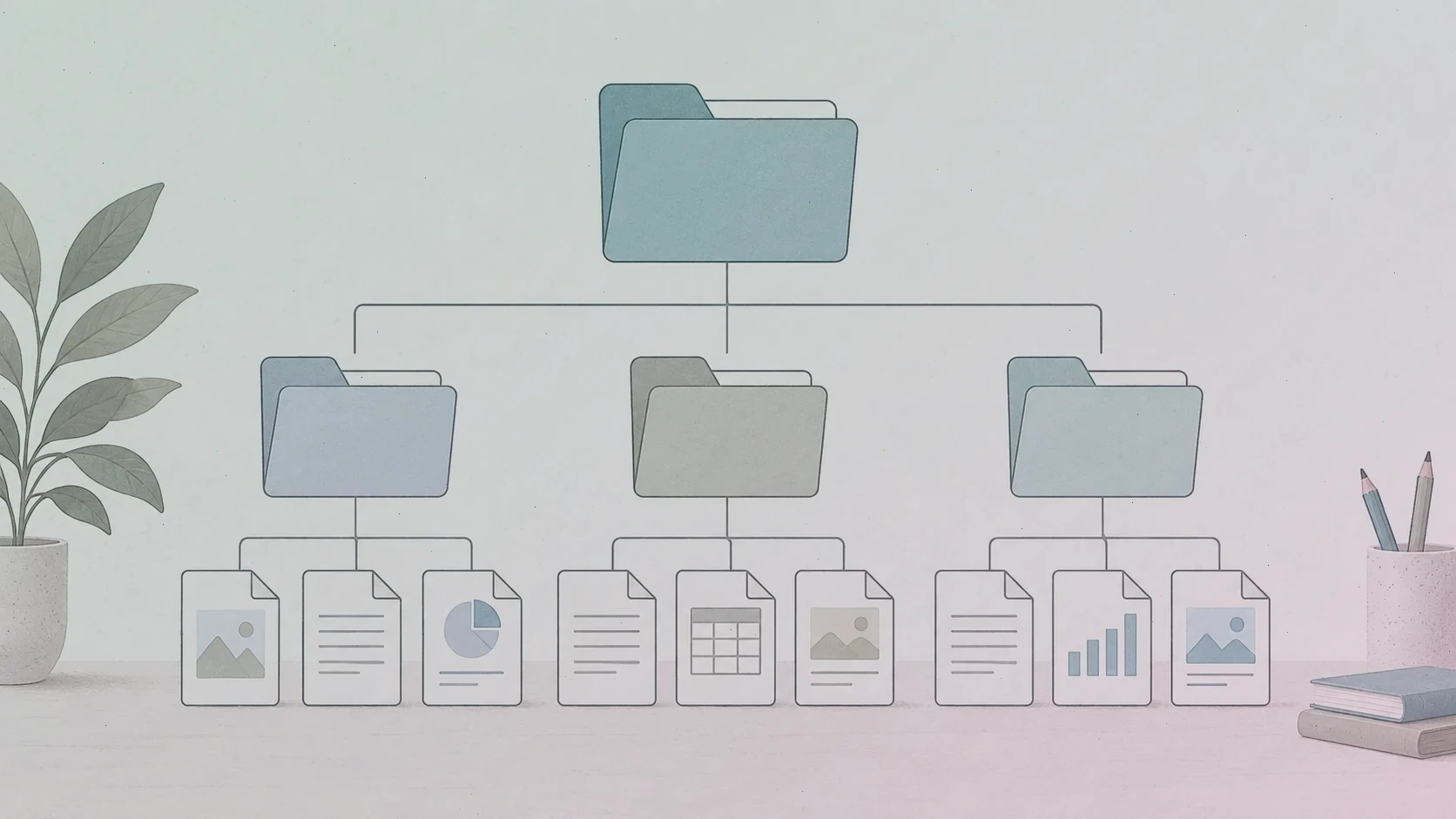
Decide early how your account will be organised: which vaults exist, which groups need access to each one, and who manages them. A common pattern that scales well is three layers — a company-wide vault for shared resources everyone needs, departmental vaults for team-specific credentials, and personal vaults that belong to individuals. New employees join groups, groups carry vault access, and onboarding becomes a one-line change instead of a scavenger hunt.
Resist the temptation to mirror your organisational chart exactly. Access should follow work, not hierarchy: if the marketing team genuinely needs the analytics login, the fact that they sit under a different director should not matter. Review the design with one or two people outside IT before you commit to it; they will spot the gaps.
Set security policy deliberately
Every serious deployment answers the same policy questions. Will two-factor authentication be required for all members, or only for administrators? Will recovery be handled by administrators, by family-style recovery groups, or by each user's Emergency Kit alone? What happens to a departing employee's vault items — and who transfers them? Write the answers down, because the alternative is discovering them one urgent ticket at a time.
Enforce what you can automate and document what you cannot. Requiring two-factor authentication through account settings costs nothing and removes an entire category of risk; asking people to "be careful with shared passwords" costs nothing and achieves approximately the same. Where the platform can enforce a policy, let it.
Onboard people with answers, not manuals
The first hour of a new user's experience decides whether they trust the tool. Send a short welcome that covers four things: how to accept the invitation, how the first sign-in works, what to do if they forget their master password, and where to get help. Then run a fifteen-minute session — live or recorded — showing one real task end to end: saving a login, filling it on a website, and finding it on a phone.
Expect a wave of predictable questions in the first two weeks: what happens when I leave the company, can I use it for personal passwords too, and what if I lose my phone. Answer them before they are asked in your onboarding message, and route anything involving a real account to the vendor's official support rather than improvising a workaround.
Measure, then expand
At the end of the pilot, look at behaviour rather than enthusiasm. How many participants signed in from more than one device? How many saved at least ten items? How many support tickets did the group generate, and what were they about? Those numbers tell you whether the rollout is ready to expand and where the next training session should focus.
Then grow in waves — department by department, with the same short onboarding each time — and keep one channel where questions are welcome. A password manager succeeds quietly: six months in, the strongest sign that your deployment worked is that nobody talks about it anymore, because it simply does its job in the background.